shrinkwrap
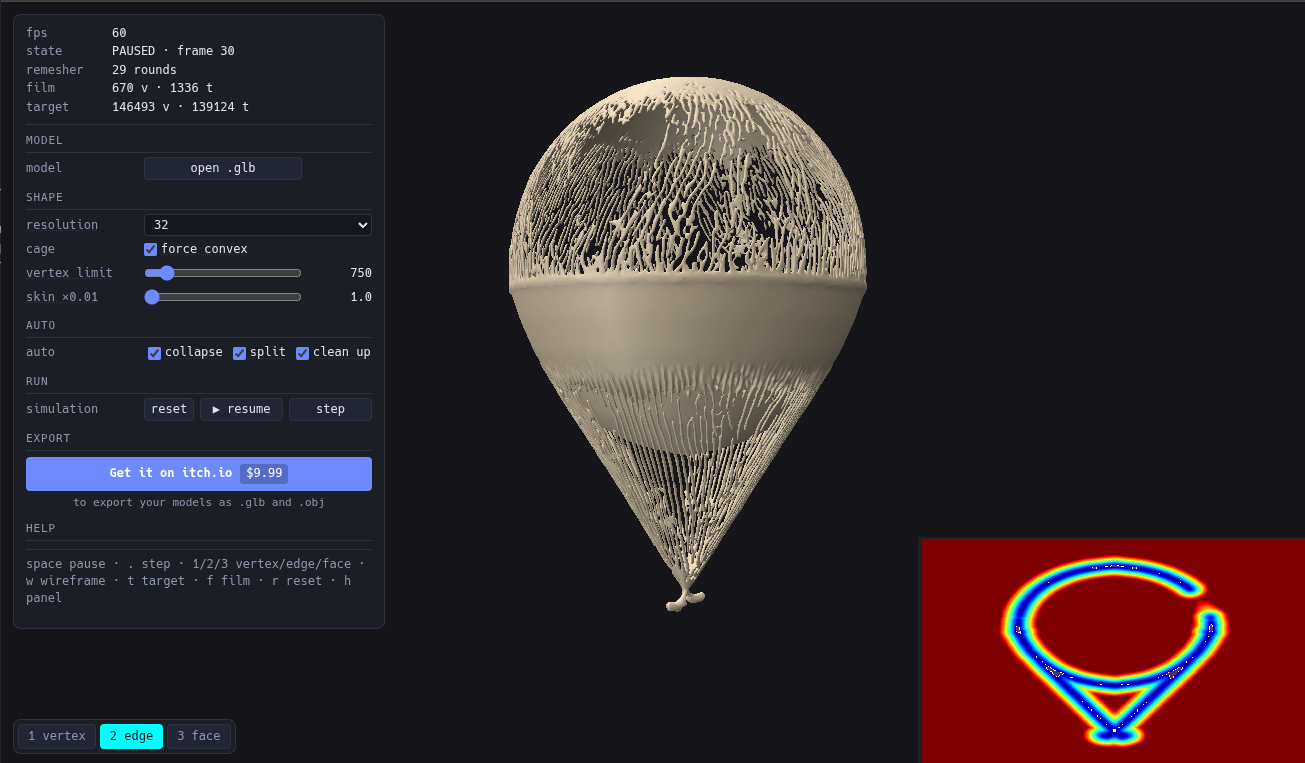
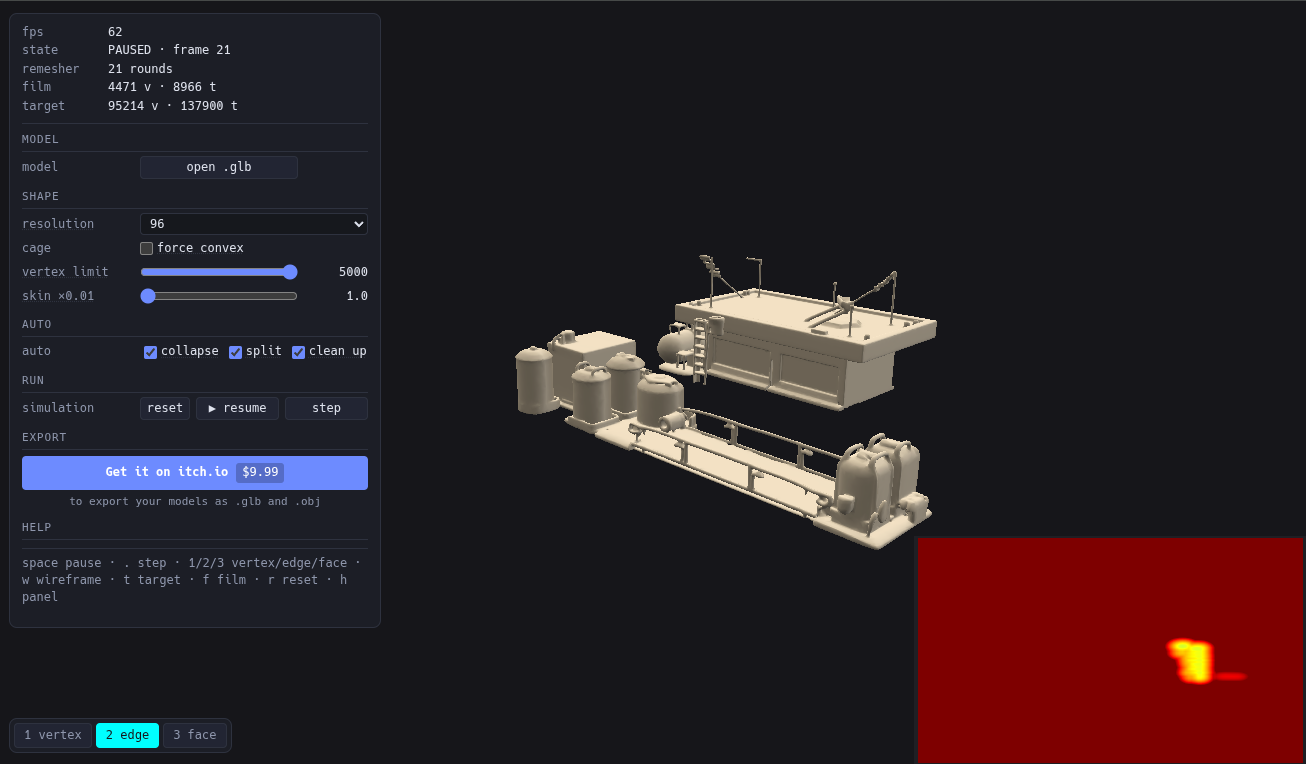
Check out the demo above, you can upload any model (requires chromium based WebGPU capable browser)
PLEASE NOTE! First execution might take a longer while as the shaders need to be recompiled on your system...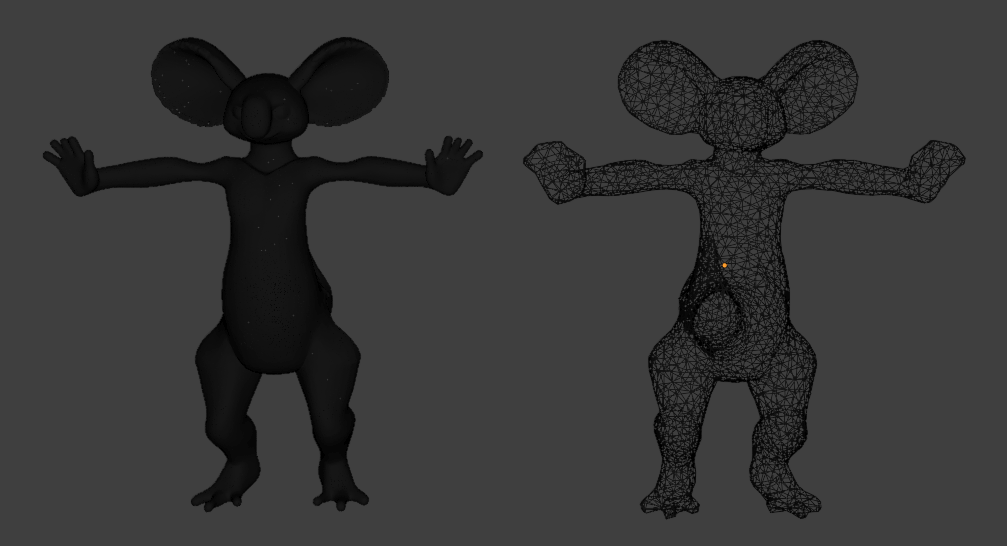
AI tools such as TRELLIS, Tripo and Hunyuan3D can generate impressive 3D models in seconds.
Unfortunately, their raw geometry often isn't something you want to ship in a game.
Generated models commonly come with:
* 100,000+ triangles
* dense, uneven polygon soup
* noisy or irregular surfaces
* fragmented UVs
* geometry that is difficult to rig and animate efficiently
* hours of manual Blender cleanup before the asset is usable
A typical workflow means remeshing, fixing topology, shrinkwrapping, cutting seams, reprojection and repeated manual cleanup.
shrinkwrap automates that process.
In just few clicks you get manifold mesh – No holes, no internal AI junk.
Export as .obj or as glb with rebaked UV's
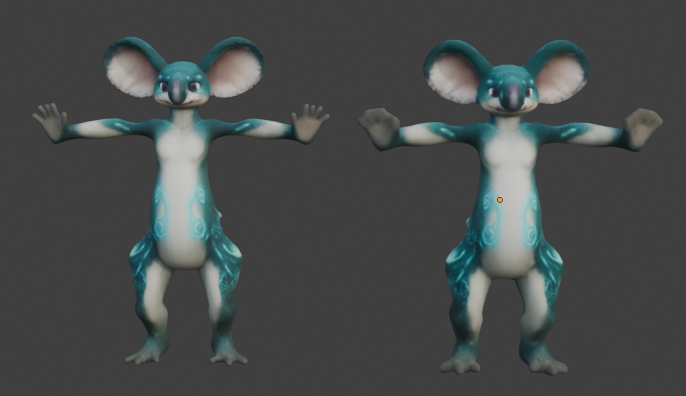
Fast, deterministic, GPU-powered remeshing
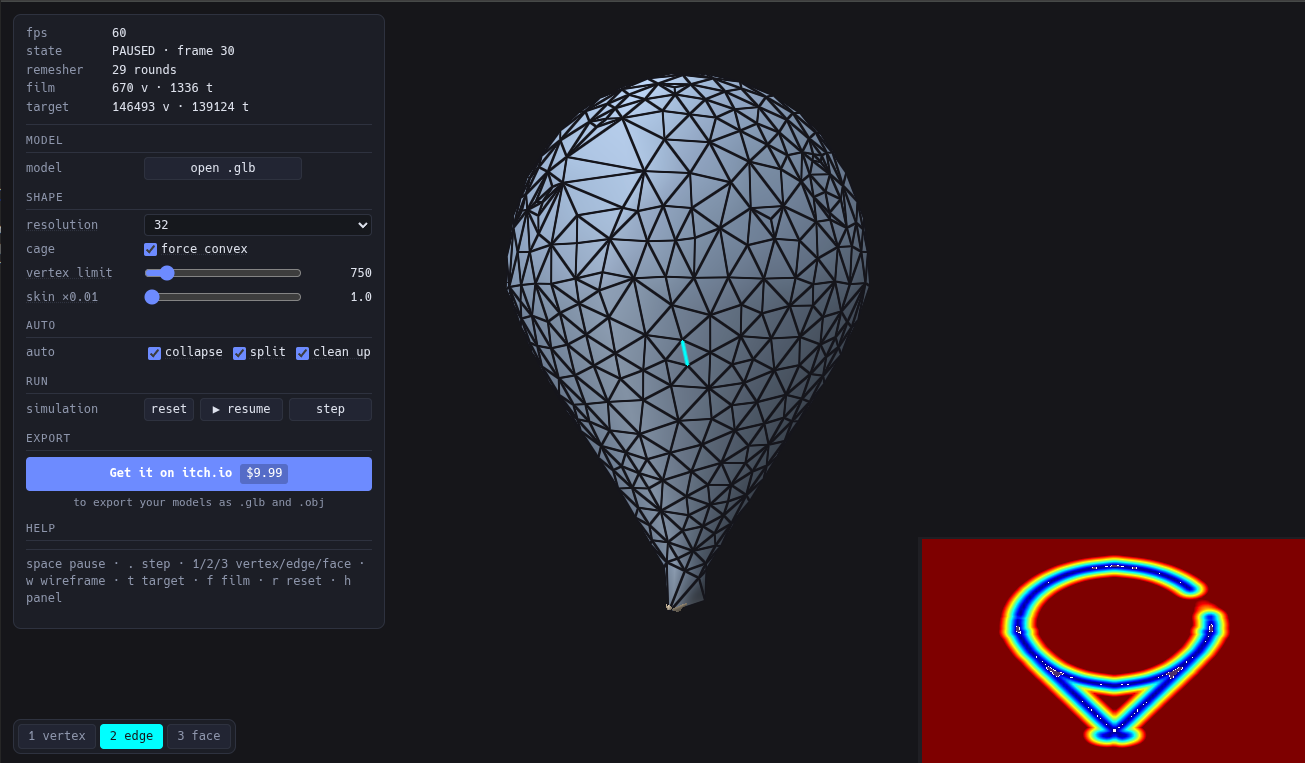
shrinkwrap builds a new mesh around your generated model, relaxes it using a GPU-based solver, simplifies it toward your chosen polygon budget and reprojects the original appearance onto the result.
Features
- WebGPU Powered
Mesh construction, relaxation and optimization run on the GPU, allowing ShrinkWrap to process dense generated geometry quickly.
- Simple Controls
No wall of remeshing parameters.
Choose an initial mesh resolution and your preferred target quality. ShrinkWrap handles the optimization process for you.
Clean, Even Topology
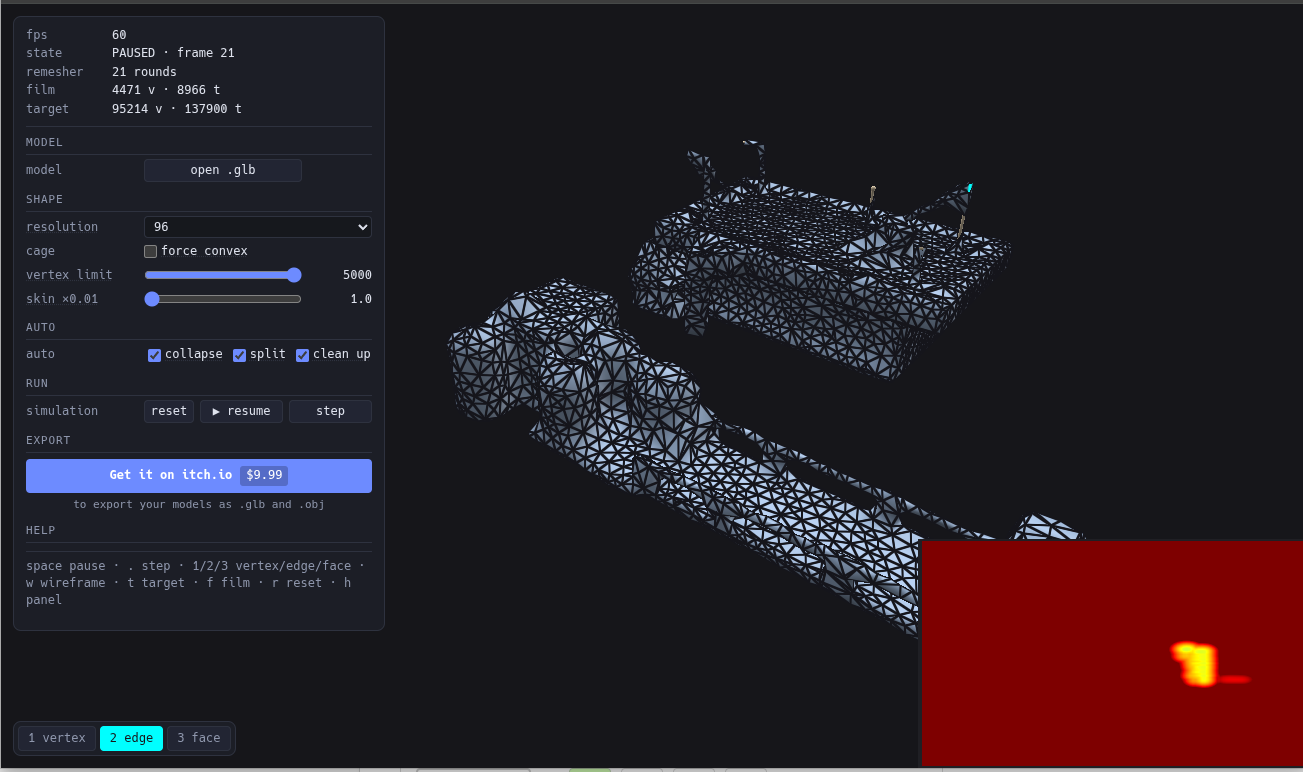
Instead of simply collapsing polygons until a triangle budget is reached, ShrinkWrap continuously relaxes the surface while simplifying it.
The result is a more even, isotropic triangle distribution with fewer extremely thin or stretched faces.
That makes the output much friendlier for further processing, animation and automatic rigging tools such as Mixamo or AccuRig.
- Feature & Silhouette Preservation
Important parts of the shape remain represented as the mesh becomes simpler.
Ears, fingers, claws, limbs and characteristic silhouettes are less likely to disappear into aggressive decimation artifacts.
- Texture Reprojection
shrinkwrap transfers the appearance of the source model onto the optimized mesh, so you don't need to manually rebuild the entire baking setup in Blender.
- Fully Local
Your assets never need to leave your computer.
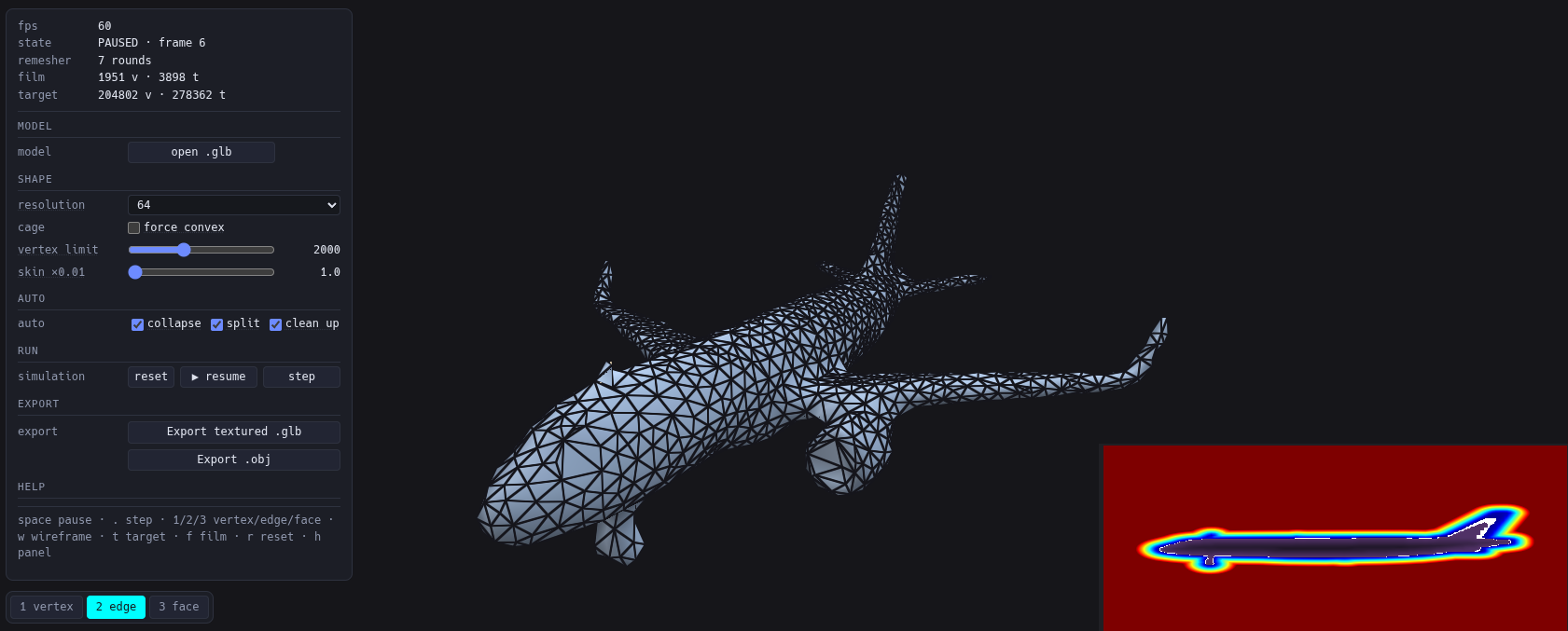
- Two Processing Modes
AI-generated geometry can fail in very different ways, so shrinkwrap provides two starting strategies.
1. High Resolution
Set a relatively dense initial resolution and simplify it toward the requested target quality.
This generally gives the best feature and silhouette preservation.
Use this mode when the source model has a reasonably valid outer surface.
2. Low Resolution / Fallback
Designed for difficult source meshes.
Use it when the model is:
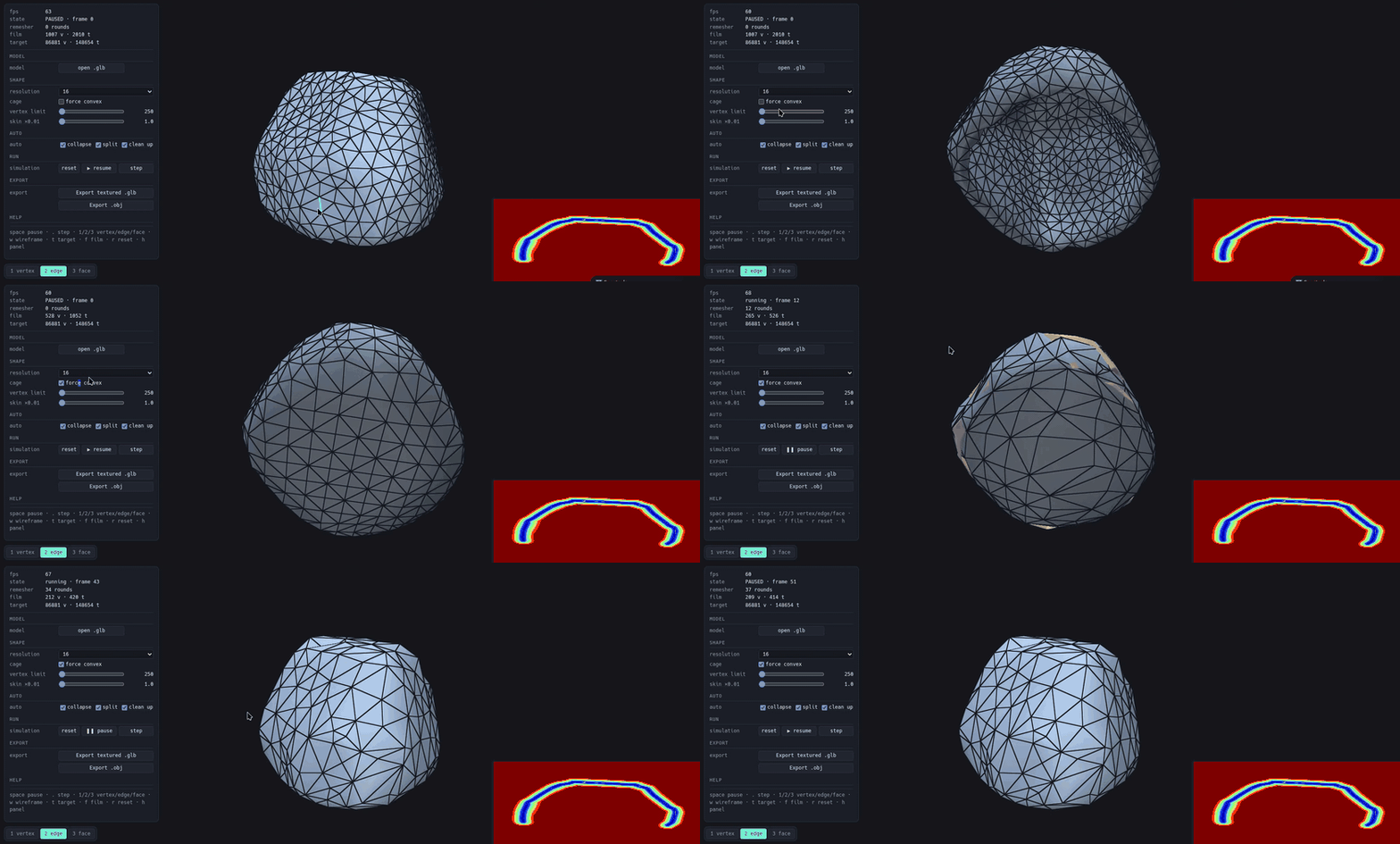
* hollow
* open
* full of holes
* internally fragmented
* self-intersecting
* otherwise too messy for the high-resolution reconstruction
Start from a much simpler surface and attempts to improve it toward the selected quality level.
This mode is intentionally more forgiving, although extremely broken source geometry may still prevent a good reconstruction.
3. Force concave option for hollow models
Workflow
1. Drag & Drop
Import your AI-generated glb model.
2. Choose Quality
Select the initial reconstruction mode and desired output quality.
3. Process
Watch shrinkwrap rebuild, relax and optimize the mesh directly on your GPU. You can run simulation step by step, pause and export at any moment.
4. Export
Export the result as a textured `.glb` or plain `.obj`.
Use it in **Unity, Unreal Engine, Godot, Blender** or your own engine.
---
Built for AI-generated assets
shrinkwrap isn't intended to replace professional hand-retopology when you need carefully authored animation loops or production-specific topology.
It's for the much more common indie workflow:
> Generate something cool → make it lightweight → get it into the game.
Instead of spending several hours cleaning every generated asset manually, shrinkwrap gets you most of the way there automatically.
---
Executable version requirements
* Linux or Windows 11
* Dedicated GPU or sufficiently modern integrated GPU.
Performance depends on source mesh complexity, reconstruction settings and GPU.
Download
Click download now to get access to the following files:
Development log
- v1.1.0 release, improved remeshing and texturing.20 hours ago
Leave a comment
Log in with itch.io to leave a comment.